January 21st 2026
While talking to companies about training, a key discussion point that keeps coming up is that they have a lot of information but it is held in many different formats and locations. Key runbooks may be stored in a variety of PDF, HTML and word processor formats making it hard to reliably and consistently access them.
Another challenge is that the information in the documents becomes outdated over time. How does a user know if the information they are working from reflects current best practice, and how could we guarantee that the information is current and has been reviewed a subject matter expert to verify that it is up to date?
Therefore we've built some new features into the Clouds and Light platform. You can now import your existing documents, in PDF form, into the platform. They are converted into Markup for easy editing in the online editor and can be viewed and saved as rich HTML documents.
The platform now supports the addition of checkpoints into any document. So it's very easy to import a document with checkpoints which state "The information above is current and correct". The platform has the ability to insert these automatically after each document section.
Here's how it works:
You can now test this for yourself (no login required).
Below are some general IT industry PDFs you can download to test the PDF Importer:
Of course you are free to use any PDF but remember to only use public data.
Here is an example of a converted document (click to enlarge):
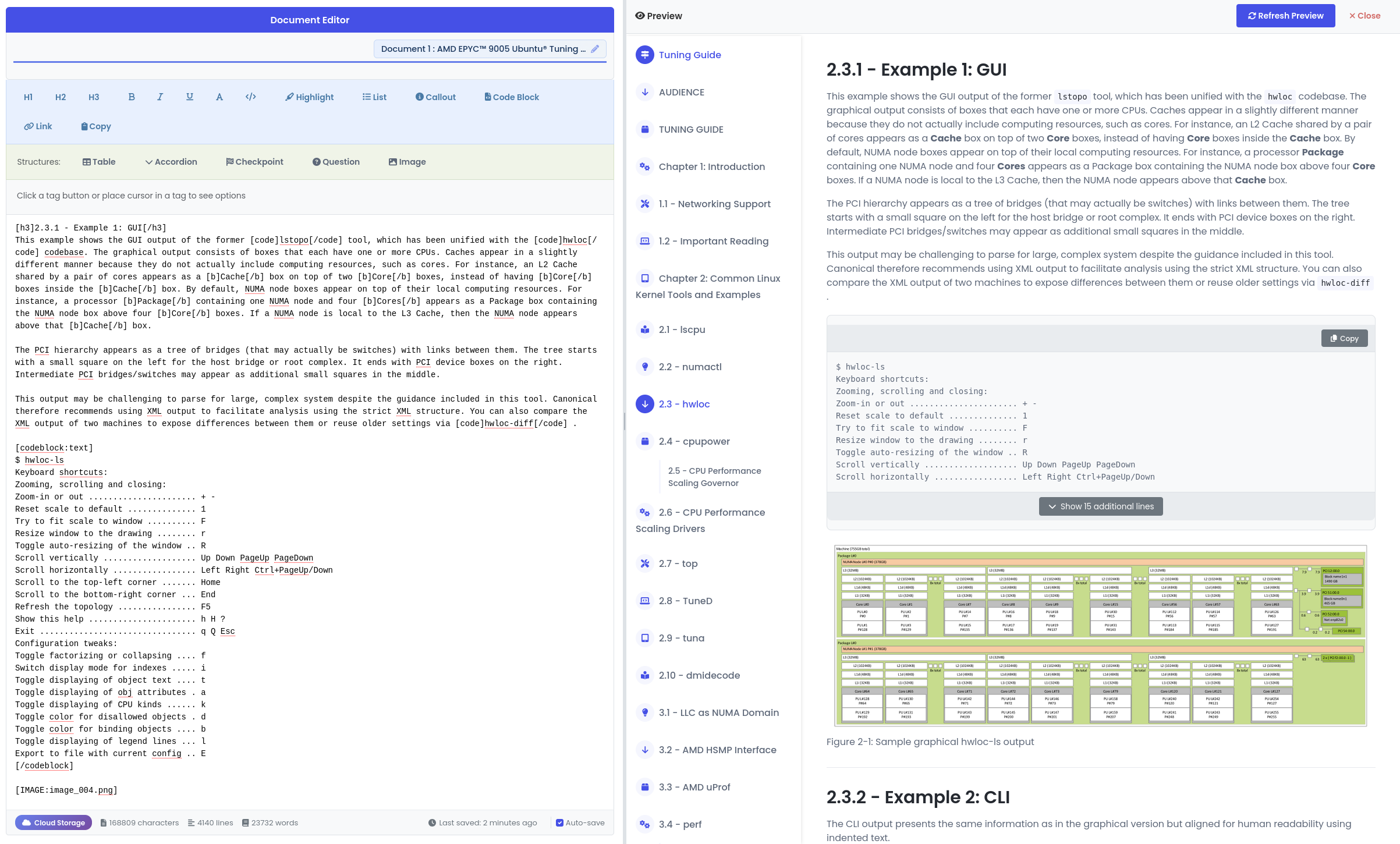
Once you have some example PDFs go to the Markup Editor. You don't need to sign in, the system allows you to import and edit a document for free.
Click the "Import PDF" button and select your PDF to import. Once the document has imported you should see the extracted text and Markup, click on the preview button to see the generated HTML page.
The processor attempts to remove extra data such as headers and footers and tables of contents but it is also cautious, so it will preserve text if in doubt. However, you can now use the editor to clean the document up and remove any remaining artifacts, as well as add in new formatting of your own.
The commercial version of the importer offers additional document training facilities such as the ability to improve document column detection, remove standard company logos and add other custom rules. It also removes the document size limits.
If you register for a free account you can manage three separate documents and they are all retained in cloud storage for you.
Please feel free to send all feedback via the feedback form or if you are interested in a demo please contact support@cloudsandlight.com.
Terms and Conditions Privacy Policy
Copyright © Clouds and Light Limited 2026
